Converting Emails to Orders: How It Works for B2B
Your buyers are not using your website to place orders. They are sending an email. Or a text. Or calling your sales rep directly and expecting someone on your team to figure out the rest.
That is not a broken process. That is B2B. It is how most wholesale, distribution, and manufacturing businesses have operated for decades, and the buyers are not going to change. The question is what happens on your end after that email lands.
For most teams, the answer is: someone reads it, opens Shopify, builds a draft order by hand, and hopes they got the SKUs right.
This article explains how converting emails to orders actually works, what breaks when you try to scale it manually, and what a better process looks like.
Why B2B Orders Still Live in Your Inbox
B2B buying is relational. A purchasing manager at a wholesale account does not log into a portal and click through a cart. They send a message to the rep they have worked with for three years. That relationship is the channel.
So the orders come through email. They come through text messages. They come through WhatsApp threads and phone calls that someone has to transcribe. They come as PDF purchase orders attached to a three-sentence email that also includes a question about a backorder from last month.
This is not a technology gap on the buyer's side. It is a preference. And it is not going away.
The gap is on the seller's side: those conversations need to become Shopify orders, and right now, that conversion is almost always manual.
What the Manual Process Actually Looks Like
When a B2B order comes in by email, here is what typically happens:
The manual loop: Rep reads the email. Opens Shopify. Searches for each SKU mentioned. Checks pricing against whatever system holds the customer's negotiated rates. Builds a draft order line by line. Sends it back for confirmation. Waits. Revises if needed. Converts to order. Files the email somewhere. Hopes the next rep can find it if the account calls back.
That loop works when order volume is low. Across the 380+ Shopify storefronts Uncap has launched since 2013, the pattern is consistent: once a team starts processing more than 30 to 40 orders a week through email, manual entry becomes the thing that slows everything else down. Not occasionally. Every day.
The errors compound too. A wrong SKU, a missed line item, a price that did not match the customer's contract rate. Each one creates a follow-up conversation that adds more time to a process that was already too slow. That risk is highest in auto parts and aftermarket, where a single email can list dozens of part numbers to rekey by hand.
Understanding how draft orders work in Shopify is a good starting point for anyone trying to build a cleaner version of this workflow. Draft orders are where most B2B email-to-order processes live. The problem is not the tool. It is the manual steps that feed it.
How Does Email-to-Order Conversion Work?
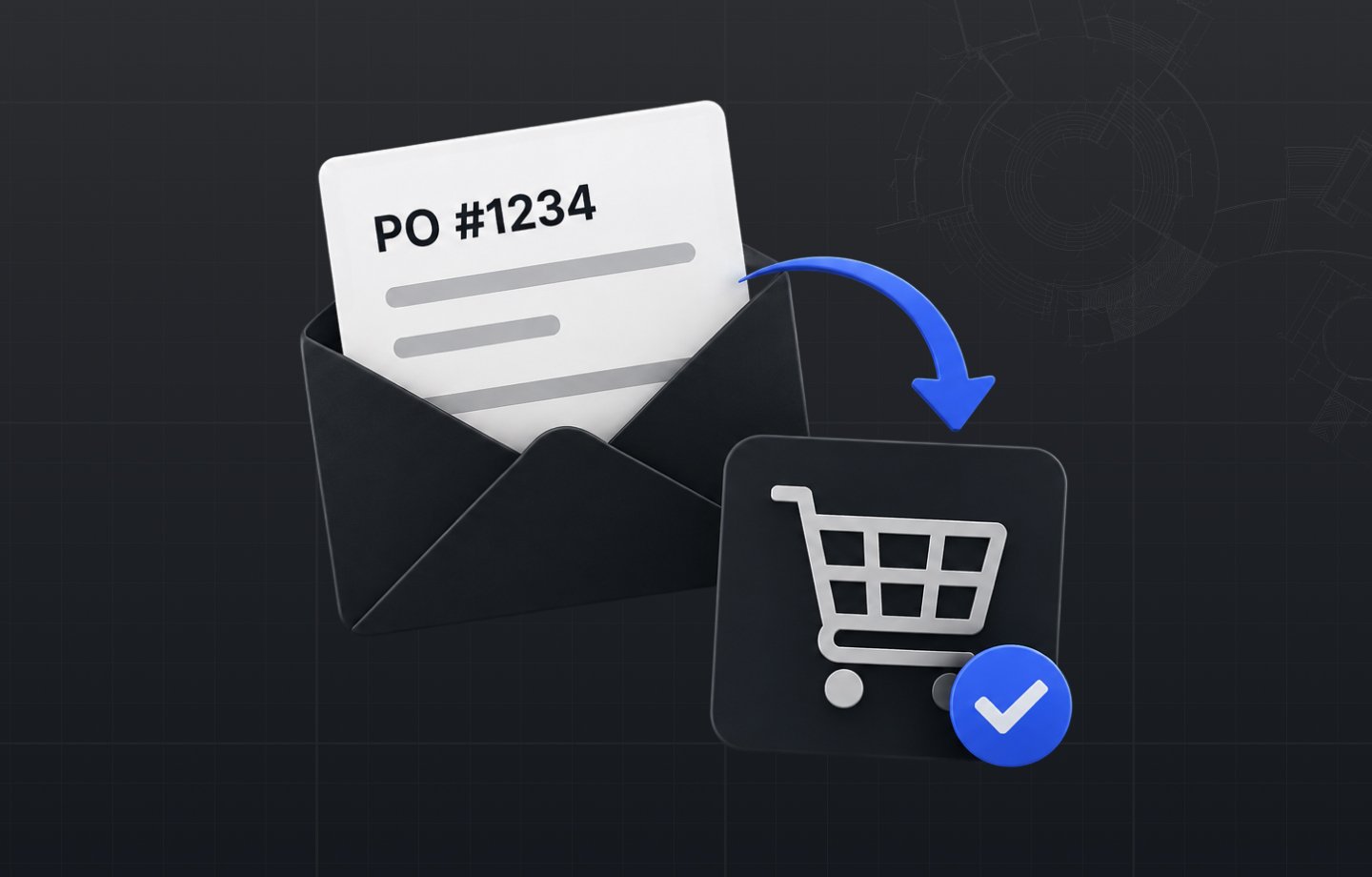
Email-to-order conversion is the process of taking a buyer's purchase request, received outside of your online store, and turning it into a confirmed Shopify order, capturing the right SKUs, quantities, pricing, and customer details without requiring manual re-entry at every step.
The full process has three stages, whether it is done manually or with automation behind it.
Stage 1: Capture. The order request arrives. Email, text, phone call, PDF attachment. Someone on your team receives it and needs to understand exactly what the buyer wants: which products, which quantities, any special pricing, any delivery notes.
Stage 2: Build. That request gets translated into a Shopify draft order. SKUs are looked up. Customer pricing is applied. Shipping is set. The draft is sent back to the buyer for review.
Stage 3: Confirm and close. The buyer reviews the draft, approves it, and the order moves into fulfillment. Any revisions in between restart part of the loop.
When all three stages are handled manually, the bottleneck is Stage 2. When automation handles extraction and matching, the bottleneck shifts to where it belongs: the actual relationship and the decision to buy.
What Breaks When You Scale This Manually
The volume problem is obvious. The context problem is less visible but more damaging.
Every email-to-order conversion creates a record: what the buyer asked for, what your team quoted, what changed in revision, what the final order looked like. That record lives in an email thread. When the rep who managed that account leaves, the record goes with them. When a buyer calls back to reference a previous order, whoever picks up has to go hunting.
B2B buyers expect continuity. They expect that whoever answers knows the account. Manual email-to-order processes make that expectation nearly impossible to meet at scale.
The other thing that breaks is speed. B2B buyers who send an order by email still expect a fast turnaround. A rep who is buried in manual entry cannot move fast. Quotes that take two days to come back give the buyer time to reconsider or look elsewhere. Distributors coming off WooCommerce often lack the structure to automate any of this.
What It Looks Like When the Process Lives in One Place
The goal is not to eliminate email as a channel. The goal is to make sure that when an order request comes in by email, the conversation and the order live together, not in separate systems.
When a buyer emails an order request, your rep builds the draft order in Shopify from context they can actually see: what this buyer ordered last time, what their negotiated pricing is, what is currently in stock. The draft goes back to the buyer without leaving the thread. Which ERP data flow makes that possible depends on your stack, and we compare the options in the three Shopify B2B ERP integration methods that actually work.
For wholesale distributors and manufacturers who rely on email as the primary order channel, this is not a small efficiency gain. It is the difference between a sales team that spends its day entering data and one that spends its day selling. Where an ERP holds the catalog, an Epicor integration lets a parsed email become an accurate Shopify order without the manual pass.
The Better Version of This Process Is Already Available
Converting emails to orders is not going away. Your buyers are not switching to a checkout flow. But the manual, error-prone, context-destroying version of that conversion does not have to be the default.
If your team is processing B2B orders that start as email threads, and the gap between receiving an order and getting it into Shopify is measured in hours rather than minutes, that is the problem Uncap is built to solve.
Request a Quote and see how Uncap gets the orders your buyers email in into Shopify with the right account pricing, without asking your team to work any differently.
Frequently asked questions
What is email-to-order conversion in B2B?
Taking a purchase request that arrived outside your store, by email, text, phone, or PDF purchase order, and turning it into a confirmed Shopify order with the right SKUs, quantities, and customer pricing, without manual re-entry at every step.
Why do B2B orders still arrive by email?
B2B buying is relational: purchasing managers message the rep they trust rather than clicking through a portal. That preference is not going away, so the seller's process has to absorb it.
When does manual email order entry break down?
Consistently around 30 to 40 email orders a week. Beyond that, manual entry slows everything daily, and SKU or pricing errors compound into follow-up conversations that slow it further.
What does a better email-to-order process look like?
The order request and the order stay connected. The rep builds the draft order in Shopify with the account's history and negotiated pricing in view, then sends it back to the buyer to confirm.