


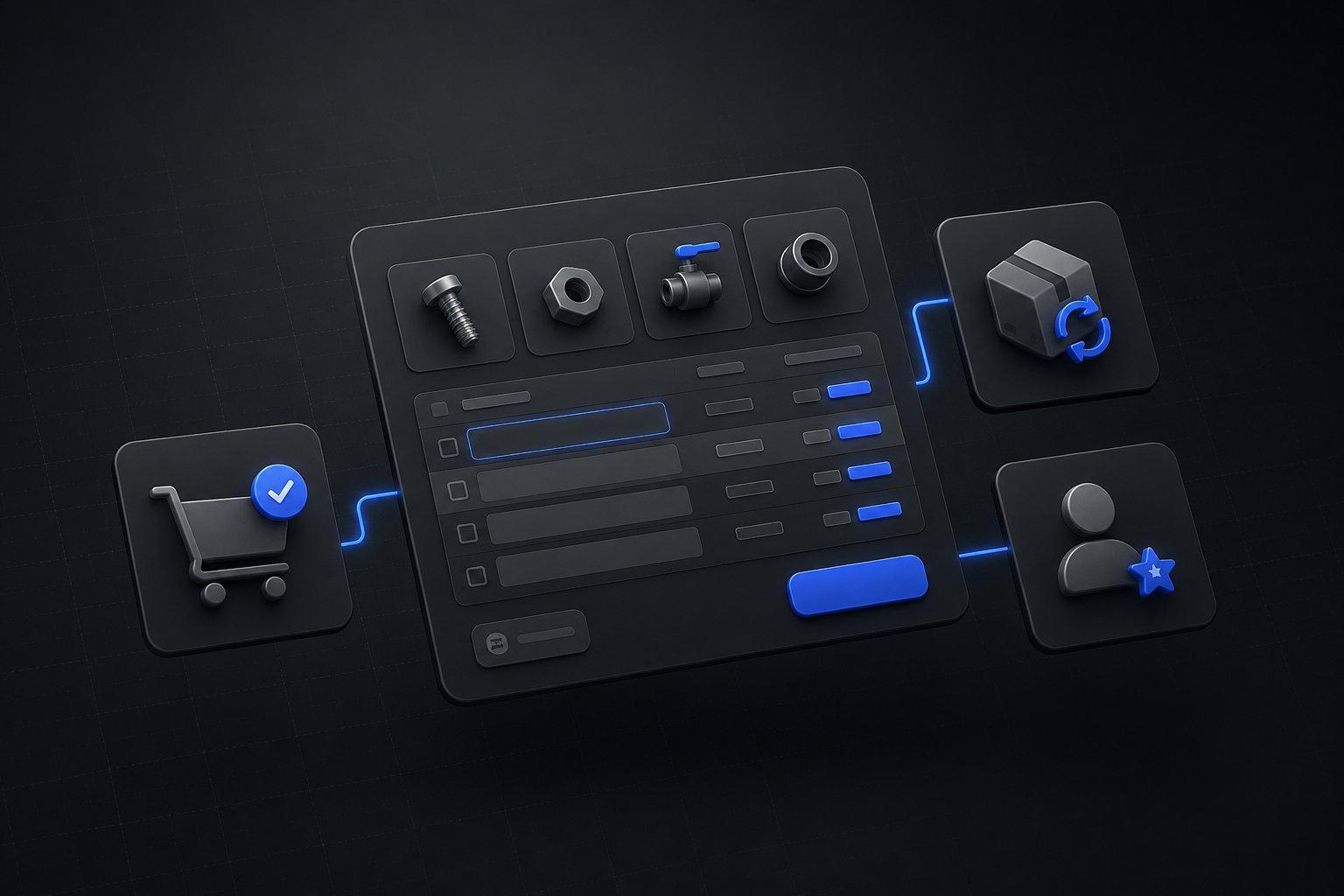
Professional buyers do not browse. A purchasing manager restocking a store, a clinic, or a job site arrives knowing the SKUs, the quantities, and the budget, and every minute your storefront spends showing them lifestyle photography is a minute charged against their day. Wholesale ordering happens in three modes: the buyer types what they already know, the buyer repeats what they already bought, or a rep captures the order for them. A B2B storefront earns adoption by making all three fast, and Shopify B2B ships more of that than most implementations turn on.
Quick answer: All three workflows have native starting points. Quick order comes as a theme section that renders a product's variants as a table with quantity fields, so a buyer fills quantities across sizes or SKUs and adds them in one action. Reorder rides on the B2B customer account, where order history lets a buyer start today's order from last month's. Sales rep ordering runs on staff permissions and draft orders: reps scoped to their assigned company locations capture phone and email orders in the admin and send the invoice for checkout. The gaps worth knowing are just as specific: the native quick order list is per product, not a storewide SKU form, and negotiated orders need a quote layer, both of which are portal and CPQ territory rather than theme settings.
Quick Order: The Native List and the Storewide Form
Shopify's quick order list is a section for B2B stores that turns a product page into an order grid: every variant in a table with its SKU, price, a quantity input, and a running product subtotal, so a buyer ordering a style across eight sizes enters eight quantities and adds them together instead of eight round trips through a variant picker. The quick order list documentation covers availability plainly: the section is supported on free Shopify themes from version 11.0.0, and stores on older or heavily customized themes can add it with the documented Liquid and JavaScript code rather than replatforming the theme.
The precision that saves an implementation conversation: this is a per-product grid. A buyer working down a list of forty SKUs from a purchase order wants a storewide form, search or paste by SKU across the whole catalog, quantities stepped by case pack, one add for the lot. That artifact is not a theme toggle; it is built, as part of the portal experience layered on the B2B foundation, which is exactly the dealer-facing surface Uncap Portal exists to provide. Knowing which of the two your buyers mean by "quick order" before scoping is the difference between an afternoon and a sprint.
Reorder: The Workflow That Carries the Revenue
Wholesale revenue is repeat revenue, and the reorder path deserves more design attention than it usually gets. The B2B customer account carries the account's order history, and a buyer can open a past order and start a new one from it, which covers the honest majority of replenishment: same products, adjusted quantities, monthly cadence. For the buyer, that turns a twenty-minute order into two.
Past that baseline live the patterns that distinguish a portal from an account page: curated reorder lists for the products an account actually stocks rather than everything it ever tried, and par-level ordering where the buyer enters what is on the shelf and the system orders the difference. Those are built experiences, and whether they are worth building is a revenue question with an easy test: look at what share of your order file is replenishment. For most of the wholesale operations Uncap builds, it is the majority, which makes the reorder path the highest-traffic room in the store.
Sales Rep Ordering: Draft Orders With Guardrails
The rep-assisted channel does not disappear when the portal launches; phone and email orders persist because relationships persist. Shopify's answer is staff permissions plus draft orders, and the B2B sales staff documentation is specific about the shape: sales staff permissions are available on the Basic, Grow, Advanced, and Plus plans, roles are built in the admin with exactly the permissions a rep needs, and the two common roles are the sales manager, who controls which reps serve which accounts, and the sales representative, scoped to assigned company locations.
The scoping deserves attention because it is both real and partial. With the restrict-to-assigned-locations permission active, a rep sees only their accounts on the Customers, Orders, Draft orders, and Companies pages, and up to ten staff can be assigned per company location. The documentation is equally clear about the boundary: Analytics, Marketing, and Home are not filtered by assignment, so a role built for reps should simply not include them. That one sentence in the docs is the difference between a rep seeing their book of business and a rep seeing the company's.
The working loop is draft orders: the rep captures the phone or email order in the admin with live product, pricing, and inventory data, then sends the invoice so the buyer reviews and completes checkout under their own terms. The discipline that keeps rep orders honest is linking the draft to the company location, because that link is what applies the account's catalog pricing rather than retail. And when the conversation is a negotiation rather than an order, price to be worked, approvals to be gathered, revisions expected, that is a quote, not a draft, which is the workflow Uncap Quotes runs from request through approval to cash without the rep improvising it in a draft order's notes field.
One Order Stream, However It Was Placed
The reason to run all three workflows on the B2B foundation rather than bolting on a separate tool per channel is what happens after the click. A quick-order cart, a reorder, and a rep's draft all become Shopify orders under the same company account, carrying the same catalog pricing and the same payment terms, flowing to the ERP as one stream. For the distributors Uncap builds for, that is the quiet payoff: the buyer's fast path, the rep's phone path, and the finance team's reconciliation all describe the same order the same way.
The workflows are also where B2B adoption is actually won. Accounts do not log in because the storefront exists; they log in because ordering there is faster than emailing the rep. Quick order, reorder, and a rep who can see their whole book in one admin are the three speeds that make it true.
Uncap is a Shopify Platinum Partner, on Shopify since 2013, with 380+ storefronts launched on Shopify, including for manufacturers, distributors, and wholesalers. Talk to Our Experts if your buyers still order by email attachment, mapping which of the three workflows your accounts would actually use is a short conversation with an obvious first build.
Frequently asked questions
Does Shopify B2B have a quick order form?
It has a quick order list: a theme section that renders all of a product's variants as a table with SKUs, prices, and quantity fields, supported on free themes from version 11.0.0 and addable by code on older themes. A storewide order form, where buyers search or paste SKUs across the whole catalog, is a built experience in the portal layer, not a theme setting.
Can B2B customers reorder previous orders on Shopify?
Yes. The B2B customer account includes the account's order history, and buyers can start a new order from a past one, which covers routine replenishment. Curated reorder lists and par-level ordering, where the buyer enters shelf counts and the system orders the difference, are portal-layer builds on top of that baseline.
Can sales reps place orders for customers on Shopify B2B?
Yes, through staff permissions and draft orders, available on the Basic, Grow, Advanced, and Plus plans. Reps scoped to assigned company locations see only their accounts on the Customers, Orders, Draft orders, and Companies pages, capture phone and email orders as drafts with live pricing and inventory, and send the invoice for the buyer to complete at checkout. Up to ten staff can be assigned per company location.
How do rep-created orders get the right wholesale pricing?
By linking the draft order to the buyer's company location, which applies that account's catalog pricing and terms. A draft created without the company link prices at retail, so the location step belongs in the rep workflow as a required check, not a habit. Negotiated pricing beyond the catalog belongs in a quote workflow rather than a draft order.


