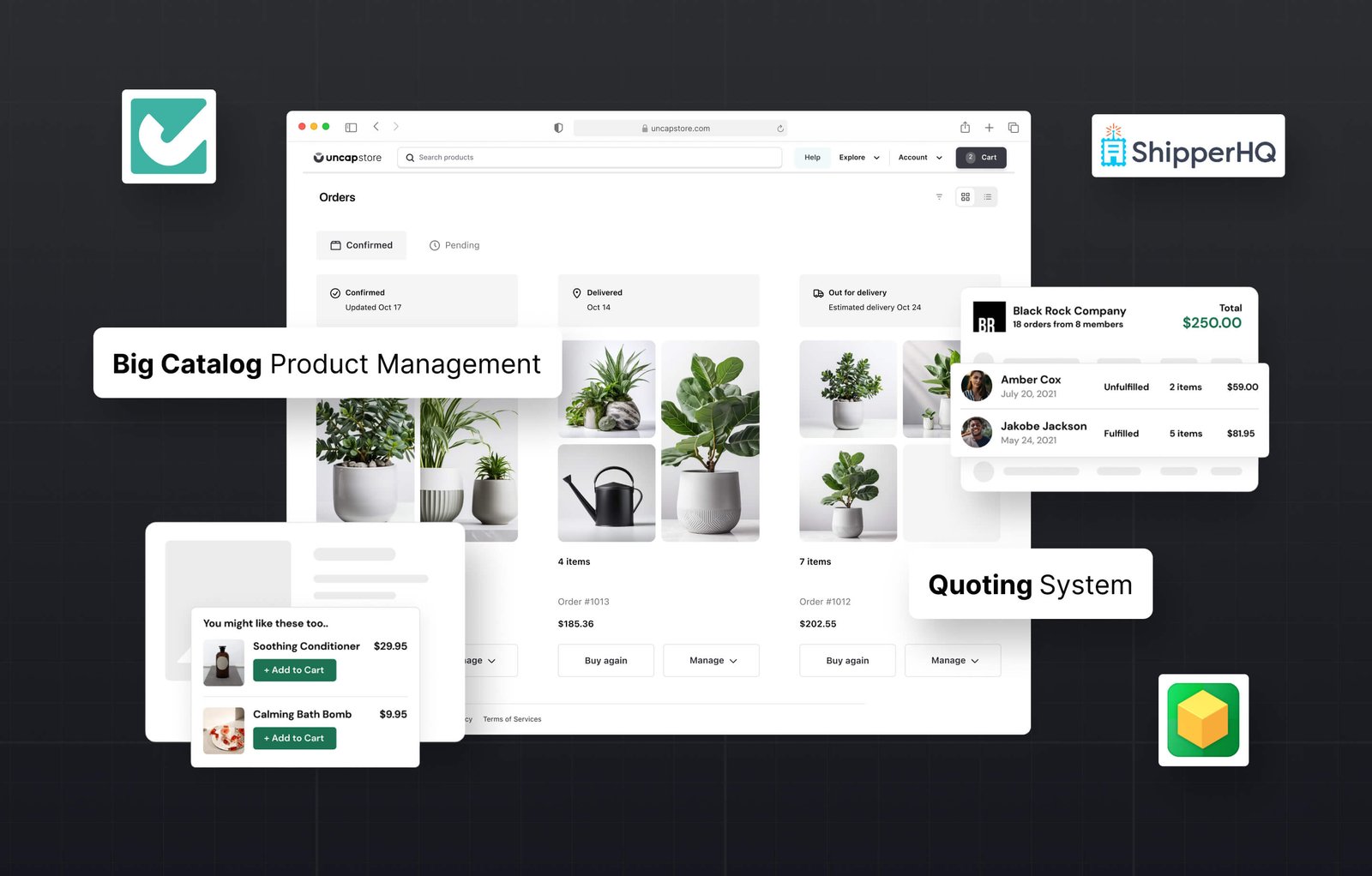
Wholesale buyers have changed how they want to purchase. They expect to log in, see their pricing, and place an order without calling your team. They want reorder history one click away. They want real-time shipping costs based on their location and order weight. They want invoices that match their PO numbers and payment terms without any back-and-forth after the order is placed.
The right combination of Shopify B2B apps makes that experience possible. But the apps only deliver value when they are selected for specific friction points in your buyer workflow and configured to work together with Shopify B2B's native infrastructure, not installed in isolation and left to clash with each other.
This guide covers the nine apps that together form a complete private ordering portal on Shopify: what each one does, where it fits in the buyer journey, how they interact with Shopify Plus's native B2B features, and which operator types will see the most value from each. It also covers the decision framework for choosing your stack based on your specific friction points, because not every distributor or manufacturer needs all nine. For apps beyond the portal itself, see our guide to the best Shopify apps for B2B and wholesale operations.
For a deeper look at how a private portal is architected from the structural level before the app layer, Uncap's guide to building a private order portal on Shopify Plus covers those decisions first.
What Makes a Good B2B Ordering Portal on Shopify?
A good Shopify B2B ordering portal gives wholesale buyers everything they need to complete a purchase without involving your sales or operations team at every step. That means gated access, account-specific pricing, fast catalog navigation, self-service reordering, and a checkout that reflects their payment terms and documentation requirements. The portal should feel built for their workflow, not adapted from a DTC storefront.
The requirements differ by operator type. For manufacturers with large SKU catalogs organized by specification, material, or application, fast and accurate catalog navigation is the most important feature. If buyers cannot find the right product quickly and confirm the specification before ordering, they pick up the phone. For distributors managing multiple wholesale accounts with different pricing agreements and purchase histories, account access control and self-service reorder workflows matter most. For both, checkout accuracy, pricing, payment terms, PO numbers, shipping costs, determines whether buyers return to the portal or route orders through your sales team. In agriculture and farming supply, where seasonal demand drives bulk ordering in narrow windows, making large repeat orders effortless matters most of all.
Shopify Plus's native B2B features provide the foundation for all of this: company accounts, custom catalogs, net payment terms, tiered pricing, and draft orders. What the native features do not cover are the operational specifics that vary by business: freight rate logic, branded invoicing, wholesale account registration, post-purchase support workflows, and advanced product recommendations. The apps below address those gaps.
The 7 Friction Points in B2B Portals and Which Apps Solve Them
Before choosing apps, identify the friction points that are actually costing your business orders. The most common gaps in B2B portals fall into seven categories, each addressed by one or more of the apps in this guide.
Catalog navigation: Buyers cannot find products quickly enough in large or complex SKU catalogs. They browse, do not find what they need, and call your team instead of ordering.
Account onboarding: New wholesale customers face a slow or confusing registration process with no clear path from application to first order. Accounts that cannot get approved quickly often source from a competitor who can onboard them faster.
Pricing accuracy: Buyers see incorrect pricing because custom rates are not correctly connected to the checkout. This generates support contacts before and after every order.
Checkout complexity: PO numbers, net terms, tax exemptions, and account-specific messaging are not handled by the default Shopify checkout. Buyers complete orders without entering required information, or they abandon because the checkout does not reflect their account setup.
Shipping cost uncertainty: Real-time freight and multi-origin shipping costs are not surfaced at checkout. Buyers cannot see landed cost before confirming an order, so they request a manual freight quote and the order stalls.
Reorder friction: Repeat buyers have to rebuild their carts from scratch each time, which slows down the most frequent and most revenue-generating transaction type in B2B.
Support gaps: Wholesale inquiries arrive in a general inbox with no account context, no prioritization, and no connection to the buyer's order history. Support resolution takes longer than necessary and creates buyer frustration.
The nine apps below address each of these. Uncap's B2B App Suite brings several of these capabilities together in a single integrated layer built specifically for Shopify Plus operators.
The 9 Best Shopify B2B Apps for Private Ordering Portals
1. Uncap Discovery
Role in the stack: Catalog navigation and B2B-specific search
Uncap Discovery is built for B2B environments with large, complex product catalogs. Wholesale buyers can navigate, search, and filter thousands of SKUs using faceted search, smart attribute filters, and catalog organization tools designed around how buyers actually browse, not how a DTC consumer browses.
In a standard Shopify catalog, products are organized primarily for discovery by unfamiliar shoppers. In a B2B catalog, buyers typically know what product family they need and are filtering by specification, material grade, compatibility attribute, or part number. Uncap Discovery is configured for these search patterns. Buyers can narrow a catalog of 10,000 SKUs to the relevant three in seconds.
The operational impact is measurable. Faster catalog search reduces pre-purchase support contacts, decreases quote requests for products that could have been self-selected, and directly improves add-to-cart rates on large catalog pages. For manufacturers with product lines organized around technical specifications, this is the first problem to solve. No other conversion optimization in the portal matters if buyers cannot reliably find and identify the right product before ordering.
Uncap's manufacturing portal work builds Uncap Discovery directly into the storefront architecture so the search experience is tailored to each catalog's specific attributes, terminology, and buyer navigation patterns.
2. Shopify Search & Discovery
Role in the stack: On-site search, filtered browsing, and product recommendations
Shopify Search & Discovery is Shopify's native search and recommendation tool. It handles intelligent autocomplete, synonym matching, filtered product navigation, and product recommendation blocks across the storefront. For B2B buyers who search by part number, model number, or product category, the synonym matching feature is particularly valuable, it bridges the gap when buyers search with terminology different from your SKU naming convention.
The product recommendation layer surfaces related products and frequently bought together combinations. For wholesale operators, this increases basket size on self-service orders without requiring any manual upsell from the sales team. A buyer who adds a primary product to cart and then sees the compatible accessories they regularly purchase together is more likely to complete a full order in one session.
Shopify Search & Discovery is free, maintained by Shopify, and integrates with the native catalog without requiring third-party configuration. On Plus, it also connects to Shopify B2B's catalog assignment logic so buyers in specific company accounts only see filtered search results for the products available to their account.
3. Checkout Blocks
Role in the stack: Checkout customization for wholesale workflows
Checkout Blocks extends Shopify's native checkout with custom fields, conditional messaging, and upsell placements specific to wholesale buyers. The standard Shopify checkout is designed for DTC transactions. B2B operations need fields and logic that are not present by default.
The most valuable use cases for wholesale operators are: adding PO number fields that are required before checkout can be completed, displaying account-specific terms and conditions at the payment step, surfacing tax exemption acknowledgments for reseller accounts, showing order minimum warnings before the buyer reaches payment, and displaying freight cost notes for orders that will be quoted separately.
Each of these use cases addresses a different source of post-order correction work. A wholesale buyer who enters their PO number at checkout eliminates the email exchange that would otherwise happen when your accounts receivable team needs to match the order to an invoice. Displaying net terms clearly at the payment step removes ambiguity about how and when payment is expected. Order minimum warnings at checkout reduce the number of orders your team has to send back for revision.
Checkout Blocks is configured through the Shopify admin without requiring code changes, which means your operations team can adjust the checkout logic as your business rules change without developer involvement.
4. Onboard B2B
Role in the stack: Wholesale account registration and approval workflow
Onboard B2B replaces the manual new-account registration process with a structured, auditable onboarding workflow. Custom signup forms capture exactly the business information your team needs to approve a wholesale account: company name, business registration number, estimated monthly order volume, tax exemption certificate, reseller license, or any other fields your approval process requires. Automated routing sends new applications to the right reviewer. Account credentials are delivered once approved.
Without a dedicated onboarding app, the new wholesale account process falls into manual work. Applications arrive through a generic contact form. Someone reviews them in email, creates an account manually in Shopify, assigns the correct catalog and price list, and sends login credentials. This process is slow, inconsistently executed, and invisible to the applicant while it is happening.
Onboard B2B makes the process repeatable. Every new account goes through the same steps. Approval status is visible. Applicants receive confirmation communication at each stage. Your team works from a queue rather than an inbox. For distributors and manufacturers that open several new wholesale accounts per month, the efficiency gain compounds quickly.
The app also supports tiered approval workflows, which is useful for operators who route different account types (new resellers, existing customers applying for wholesale access, international accounts) through different review processes.
5. Rebuy Personalization Engine
Role in the stack: Intelligent reorder, upsell, and cross-sell recommendations
Rebuy drives revenue through personalized product recommendations at every stage of the buyer journey: product pages, cart, checkout, and post-purchase. For B2B operators, the most valuable features are the reorder recommendations and the frequently bought together logic.
A wholesale buyer who regularly purchases the same combination of SKUs should see those products surfaced automatically when they return to the portal. Rebuy's AI-driven recommendation engine identifies these purchasing patterns from order history and surfaces the most likely next order items without requiring manual curation. For distributors with buyers on predictable reorder cycles, the same mix of products every four to six weeks, this reduces the time to place a repeat order from minutes to seconds.
The post-purchase recommendation layer is also particularly useful in B2B. After a completed order, surfacing complementary products or notifying the buyer of related items that pair with what they just purchased is a natural next-order prompt that does not require any outbound communication from your sales team.
For B2B operators, Rebuy's value increases over time as it accumulates more data from buyer sessions and order histories. The recommendations become more accurate as the system learns each account's purchasing patterns, which means the personalization effect compounds the longer the buyer uses the portal. Distributors replatforming from Optimizely often adopt this app-driven approach precisely to get a simpler build they can maintain without heavy development.
6. ShipperHQ
Role in the stack: Complex freight and multi-origin shipping rate calculation
Standard Shopify shipping rates handle carrier-based fulfillment for most DTC scenarios. They do not handle freight quotes, multi-origin shipments, dimensional weight pricing, carrier-specific rules for hazardous or oversized goods, or LTL freight rating. ShipperHQ does.
Manufacturers shipping pallets, custom-built items, or orders fulfilled from multiple warehouses need real-time freight rates that account for the actual shipping scenario, not a flat rate or a weight-based estimate that is wrong for heavy freight. When buyers cannot see an accurate shipping cost at checkout, one of two things happens: they abandon the cart and request a manual freight quote, or they complete the order with an incorrect shipping cost and create a correction workflow for your team afterward.
ShipperHQ surfaces carrier rates, freight quotes, dimensional weight calculations, and custom shipping logic in real time at checkout. It integrates with Shopify B2B's checkout and respects company account assignments, which means you can configure different shipping rules for different account types, for example, free freight over a certain order volume for national accounts, or specific carrier restrictions for hazmat items.
For manufacturers and distributors with non-trivial freight scenarios, ShipperHQ is not optional. The accuracy of the shipping cost display at checkout is one of the highest-impact variables in B2B checkout completion.
7. Gorgias Helpdesk
Role in the stack: Centralized support and account management for wholesale buyers
Gorgias consolidates all buyer communication into one support dashboard: email, chat, social, and phone. For wholesale operations, the Shopify integration is the defining feature. Support agents see the buyer's full order history, account status, company account configuration, and open tickets directly in the Gorgias interface, without switching between tools.
B2B support operates differently from DTC support. Wholesale buyers have established accounts and ongoing supplier relationships. Their support contacts are often operational and time-sensitive: a shipment tracking inquiry that is holding up a production schedule, a pricing question about a specific SKU on their negotiated list, or an order correction needed before the fulfillment window closes. These contacts need faster resolution and more account context than a typical consumer support ticket.
Gorgias handles the ticketing, routing, and SLA tracking. Its real value in a B2B portal stack is giving your support team the account context they need before they type a single word in response. When the support agent can see the buyer's company account, their recent orders, their pricing tier, and any open issues in one interface, resolution is faster and the buyer experience is better.
For wholesale operations with a dedicated account management or support function, Gorgias also supports proactive outreach workflows, flagging accounts that have not ordered recently, surfacing new product announcements to specific segments, or following up on quote requests that have not converted.
8. Order Printer Pro
Role in the stack: Branded invoicing and B2B order documentation
Order Printer Pro generates professional, branded PDFs for every order: invoices, packing slips, pick lists, credit notes, and custom documents. For B2B buyers, receiving a correctly formatted invoice with their PO number, net terms, applicable tax treatment, and itemized line items is an operational requirement. Procurement teams need accurate documentation to process payments, reconcile orders, and file for reimbursement or audit.
The app supports custom templates, which means the documents match your brand and include the specific fields your buyers' finance teams expect. For manufacturers supplying large retail or distribution accounts with specific invoicing format requirements, Order Printer Pro handles the documentation layer without manual PDF creation per order.
The integration with Shopify's order management means every order automatically generates the correct document without any manual steps. Custom fields captured at checkout, PO numbers, tax exemption references, freight terms, appear on the invoice automatically if the template is configured correctly. For high-volume B2B operations, the time saved on invoicing compounds significantly over a full month of orders.
9. Judge.me Product Reviews
Role in the stack: Social proof and supplier credibility for B2B buyers
B2B buyers evaluate new suppliers and new product lines carefully because procurement decisions carry real operational risk. If a product does not perform as specified, the buyer's production, fulfillment, or resale operation is affected. Verified reviews from other buyers in the same industry reduce that perceived risk and accelerate the evaluation phase.
Judge.me collects and displays verified reviews automatically after order delivery, triggered by post-purchase email flows that can be configured for timing appropriate to B2B order cycles, which may be longer than DTC given product lead times or implementation periods. The review display integrates into product pages without custom development.
The structured data markup Judge.me generates for each review surfaces star ratings in Google search results. For a manufacturer or distributor competing for organic visibility on product searches, rich snippet ratings increase click-through rates from search listings. This makes Judge.me both a trust signal within the portal for logged-in buyers and an organic search signal that brings new buyers to the storefront.
For B2B buyers researching a new product, a category page showing verified purchase review volume and consistent ratings performs better than a page with no review signal, even when the product specifications are otherwise identical.
How These 9 Apps Work Together: The Complete Portal Stack
Each app solves one friction point in the buyer journey. The value compounds when they are configured to work together rather than as isolated tools.
Onboard B2B qualifies and approves the buyer's account, creating the company account record in Shopify B2B. Uncap Discovery and Shopify Search & Discovery help the approved buyer find the right products fast from the catalog assigned to their account. Rebuy surfaces reorder suggestions from their order history and cross-sells related items. Checkout Blocks adds PO number fields, terms acknowledgments, tax exemption handling, and account-specific messaging at the payment step. ShipperHQ delivers accurate freight costs for their location and order profile. Order Printer Pro generates the invoice automatically with their PO number and payment terms. Gorgias handles any support interaction throughout the cycle with full account context visible to the agent. Judge.me builds the trust signal that brings new wholesale buyers to the storefront before they have any account history with you.
This sequence is not a list of independent apps. It is an architecture where each component serves a specific function in a connected buyer journey. The configuration decisions, connecting these apps correctly to Shopify B2B's native pricing, catalog assignment, and company account structure, are where most DIY portal builds lose the gains.
An app that is not connected to Shopify B2B's pricing logic will show incorrect prices. An onboarding app that does not trigger correct catalog assignment will bring buyers to a storefront that shows them products they cannot order. A shipping app that does not respect account-specific freight rules will quote the wrong rates for your contracted accounts. Keeping those rules honest usually depends on the ERP link, and an Oracle integration keeps inventory and pricing accurate as order volume spikes.
For the architectural view of why an app-based stack scales this way, see how Shopify B2B apps unlock scalable commerce with microservices.
Which Apps to Prioritize by Operator Type
Not every manufacturer or distributor needs all nine apps immediately. The right starting point depends on where your buyer workflow is currently losing the most orders.
Manufacturers with large technical catalogs: Prioritize Uncap Discovery and Checkout Blocks first. The biggest gains for high-SKU technical catalogs come from fixing search and navigation before optimizing any downstream element. Once buyers can reliably find and confirm the right product, improving the checkout with PO fields and terms display delivers the next layer of value.
Wholesale distributors with many accounts and predictable reorder cycles: Prioritize Onboard B2B and Rebuy first. Getting new accounts activated quickly and keeping established accounts reordering fast are the two most revenue-connected improvements for distributors with large account books. ShipperHQ is also typically a priority for distributors handling multi-origin or freight-rated shipments.
Manufacturers shipping complex or freight-rated items: ShipperHQ is non-negotiable. Accurate freight display at checkout removes the single largest source of cart abandonment and manual quote requests for operations shipping pallets, oversized goods, or hazmat items.
Operations focused on new account growth: Onboard B2B and Judge.me together address both sides of the new account acquisition problem, structured onboarding for accounts that find you through outbound sales, and social proof for accounts evaluating you through your storefront.
For wholesale and distribution operators, Uncap's implementation work starts with a buyer journey audit that maps where orders are currently dropping off, then sequences the app configuration to address the highest-impact gaps first.
Build the B2B Portal Your Buyers Actually Want
Nine apps. One architecture. The goal is the same for every manufacturer or distributor: give wholesale buyers a portal where they can find products, confirm their pricing, complete an order, and get their documentation, without involving your team at every step.
Uncap is a Shopify Platinum Partner that designs and builds B2B ordering portals for manufacturers and distributors on Shopify Plus. If you want a portal configured correctly from the start, talk to our experts.
Frequently asked questions
What Shopify plan do I need for a private B2B ordering portal?
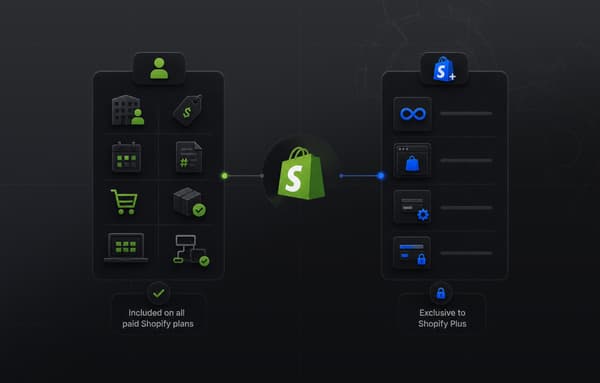
Since April 2, 2026, the core native Shopify B2B feature set (company accounts, custom catalogs, tiered pricing, net payment terms, and draft orders) is available on the Basic, Grow, Advanced, and Plus plans, while unlimited catalogs and catalogs assigned directly to individual companies require Shopify Plus. Several of the apps in this guide, ShipperHQ, Gorgias, Judge.me, Order Printer Pro, work on any Shopify plan. Apps that use Shopify B2B features need a plan that supports B2B, which now includes Basic, Grow, and Advanced as well as Plus. Operators building a portal for more than a small number of wholesale accounts will consistently reach the ceiling of non-Plus solutions.
Can I build a private ordering portal on Shopify without Shopify Plus?
Yes, with significant limitations. Third-party wholesale apps can replicate some B2B functionality on standard Shopify plans using customer tags and price list workarounds. Since April 2, 2026, native company accounts, up to 3 active catalogs, net payment terms, and apps that use Shopify's B2B features also work on the Basic, Grow, and Advanced plans. However, catalog assignment per account, unlimited catalogs, and custom apps that use Shopify Functions for B2B-specific checkout logic are available only on Plus. Operators building a portal for more than a few dozen accounts or requiring accurate per-account pricing at checkout will consistently run into the limits of non-Plus approaches within the first year.
How do I restrict portal access so only approved buyers see wholesale pricing?
Shopify Plus's company accounts let you assign buyers to companies with specific catalogs and pricing. Combined with Onboard B2B's registration and approval workflow, you can gate access so only approved accounts can log in and see wholesale pricing. Products can be configured to be hidden from the public-facing store while remaining visible to logged-in B2B accounts. The combination of Shopify B2B's account structure and a structured onboarding app is the most reliable approach.
What is the best Shopify B2B app for manufacturers with large product catalogs?
For large technical catalog navigation, Uncap Discovery and Shopify Search & Discovery are the two most important apps. Uncap Discovery is built specifically for B2B environments and complex SKU structures with attribute-based filtering and part-number search. Shopify Search & Discovery handles synonym matching and filtered browsing across any catalog size. Both are useful together, and most manufacturers with catalogs above 5,000 SKUs benefit from running both with distinct configuration roles.
How long does it take to build a Shopify B2B ordering portal with these apps?
A functional portal with the full stack configured typically takes six to sixteen weeks depending on catalog complexity, ERP integration requirements, and theme customization scope. Apps like Gorgias and Order Printer Pro can be installed and configured in days. Catalog search configuration, custom checkout fields and logic, ShipperHQ freight rules, and Onboard B2B approval workflows all require testing against your actual catalog, account types, and shipping scenarios. The integration between apps and Shopify B2B's native infrastructure is where configuration time is usually underestimated.
Do these apps connect to ERP systems like NetSuite or Dynamics?
Several of them do through Shopify's API and third-party integration platforms. ShipperHQ connects to carrier APIs and can receive rate data from ERP-managed freight contracts. Order Printer Pro pulls order data from Shopify which, in an integrated setup, reflects data synced from your ERP. Gorgias connects to Shopify's order management which similarly reflects ERP-synced data. The ERP-to-Shopify data layer is a separate architecture question that needs to be solved at the integration level before the apps can operate accurately.