


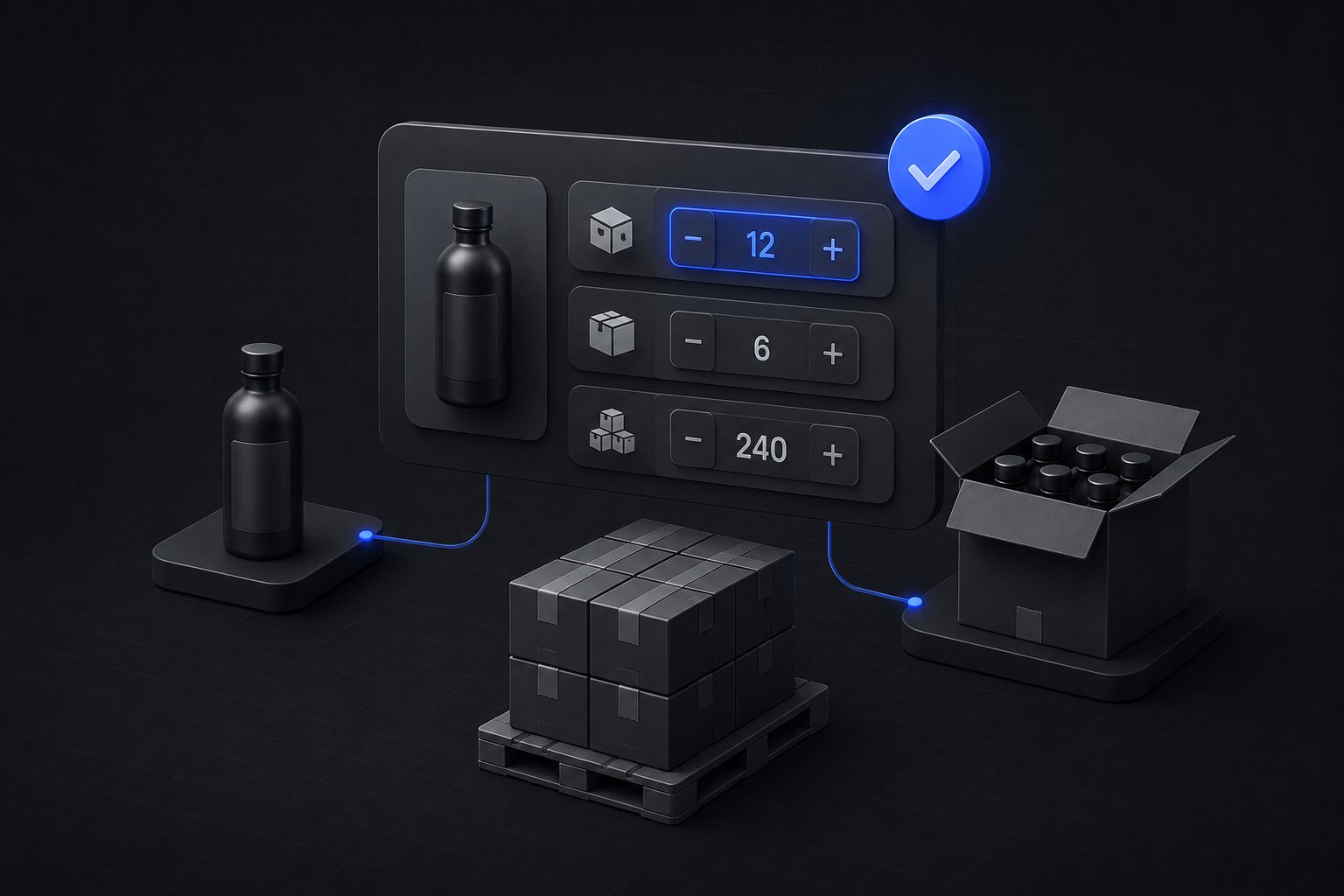
The order that costs you money is not the big one. It is the one for seven units of a product packed in cases of six, because now someone in the warehouse is breaking a case, repacking a partial, and shipping a box that costs more to handle than the line item earned. Every wholesale operation has ordering rules, case packs, minimums, sometimes maximums, and most storefronts enforce them with a note in the product description and hope. The rules belong in the platform, and on Shopify B2B most of them can live there natively, provided you know which rule is which, because three different things get called a minimum and they are not built the same way.
Quick answer: Separate the three rules before configuring anything. A minimum order quantity is a per-product floor (no fewer than six of this item); a case pack is an increment (multiples of twelve, because that is how it is boxed); an order minimum is a floor on the whole order, in dollars or units, protecting freight and invoice economics. Shopify B2B enforces the first two natively through quantity rules in catalogs, minimum, maximum, and increment, set per product variant and re-validated at checkout. The third is not a quantity rule anywhere in the platform: an order-level dollar floor is enforced at checkout with validation logic, or handled commercially. The rules themselves are usually sitting in your ERP item master already; the work is translating them faithfully.
Three Rules That Get Called a Minimum
Each rule exists for a different economic reason, which is why collapsing them into one setting fails. The per-product MOQ covers picking economics: below some quantity, the pick, pack, and label cost more than the margin on the line. The case-pack increment covers packaging physics: the product physically exists in boxes of six or twelve, and any quantity that is not a multiple means opening a box. The order minimum covers the economics of the shipment and the invoice: a $500 floor exists because freight, handling, and accounts-receivable overhead make a $90 wholesale order a loss regardless of how the units are packed.
There is a fourth rule that shows up when times are bad rather than good: the maximum. During a supply shortage, a per-order ceiling is how a supplier keeps one account from buying the entire inventory position and leaves something for the rest of the book. A rules design that includes maximums before the shortage arrives is the one that does not require an awkward email during it.
What Shopify B2B Enforces Natively
Shopify's quantity rules live inside B2B catalogs, and the platform's quantity rules documentation defines the three levers exactly: an increment the product must be purchased in, a minimum per order, and a maximum per order, set per product or per variant, in the catalog admin or by CSV import. Because the rules attach to catalogs, they can differ by buyer program: the distributor catalog can require full cases of twelve while the dealer catalog sells inners of six, without either program knowing the other's rules exist.
The documented detail that surprises implementations is that rules apply per variant, and variants do not combine. Shopify's own example is a hat in blue and gray with a minimum of ten per variant: a buyer cannot order five of each to satisfy it. If your paper agreements say "any twelve units of the style," native rules cannot model that sentence, because they count variants, not styles. That gap is worth knowing before the buyer discovers it, since the fix is either rewriting the rule per variant, restructuring variants, or custom validation, and each has a different cost.
Two operational notes complete the native picture. Rules are re-validated at checkout, so they hold even when a cart is built through quick order or a draft. And enforcement is not communication: the documentation itself tells merchants to make sure the theme displays the minimum on the product page, because a rule buyers discover as a cart error reads as a broken store rather than a policy. The same duty extends to quick-order forms, which should step quantities by the increment instead of letting buyers type sevens against a case of six.
The Order-Level Minimum Is a Different Machine
Quantity rules govern lines. The $500 order floor governs the cart, and nothing in the quantity rules system touches it. On Shopify B2B, an order-level minimum in dollars or total units is enforced with checkout validation logic, built as a function that blocks completion below the floor, or approximated commercially: a below-minimum handling fee, or a rep follow-up on small orders. Which path fits is a policy question before a technical one, because a hard block converts some small orders into no orders, and for some accounts that is the wrong trade.
The commercial design has more room in it than most implementations use. Shopify's own MOQ guidance describes tiered minimums on the supplier side: a higher floor for a first order, which carries account setup and credit-check costs, and a lower one for reorders from accounts that have proven out. On Shopify that maps cleanly to catalogs and companies, a stricter opening program and a friendlier established one, which turns the minimum from a wall into an incentive to keep ordering.
Case Packs Are Data Before They Are Rules
An increment rule is only as correct as the pack quantity behind it, and that number does not originate in Shopify. Units per case, inner packs, and pallet-layer quantities live in the ERP item master, which means the storefront's rules are mirrors, and mirrors need a sync. When packaging changes, a repack from cases of twelve to cases of ten, the increment must change the same day across every catalog that carries the item, or the storefront starts taking orders the warehouse cannot pack cleanly. Keeping item-master pack data and catalog rules aligned is part of the same ERP sync discipline Uncap Connect runs for pricing and inventory: the ERP decides, the storefront displays.
There is also a modeling decision that precedes the rule: sell eaches with an increment, or sell the case as its own unit. Selling eaches with an increment of twelve keeps one price per unit, one inventory count, and clean analytics, and it is the right default. Turning the case into a separate SKU doubles the catalog, splits inventory between two records for the same physical product, and turns every pack change into a catalog project. The case-as-SKU pattern earns its keep mainly where the case is genuinely a different product, an assorted prepack whose contents the buyer cannot compose from eaches.
Where Rules Meet Volume Pricing
Quantity rules and volume pricing are configured in the same dialog and interact in documented ways worth knowing before setup. Price-break quantities must be greater than the minimum and a multiple of the increment, so a case-of-twelve item cannot offer a break at twenty units. Breaks apply per variant, up to ten per product, with the same no-combining behavior as the rules themselves. And once volume pricing is applied, the product's price becomes fixed, so a catalog-wide percentage adjustment no longer touches it, a quiet exception that has surprised more than one pricing audit. Which pricing model belongs on which buyer program is its own decision, and the Shopify B2B pricing guide owns it; the point here is only that the rules and the breaks share arithmetic and must be designed together.
Rules Are Policy Wearing a Configuration
The setup takes an afternoon once the policy exists, and the policy is where wholesale operations actually differ. Decide which accounts get exceptions, and model them as catalog-level differences between programs rather than by switching rules off for a favorite account, because an exception that lives in configuration is auditable and an exception that lives in a rep's memory is not. Decide what the buyer reads: a rule labeled "case of 6" in the storefront speaks wholesale, while "increment: 6" speaks admin. And put the ordering rules on the same review cadence as pricing, because pack sizes and freight economics change, and a rule nobody has reconfirmed in two years is usually enforcing last year's warehouse.
Ordering rules assume the B2B foundation underneath them, and the Shopify B2B wholesale setup guide covers that layer: catalogs, price lists, company accounts, and net terms. For the wholesale operations Uncap builds, the rules conversation happens during catalog design, not after go-live, because retrofitting increments onto a live account base means re-educating every buyer who learned the store without them.
Uncap is a Shopify Platinum Partner, on Shopify since 2013, with 380+ storefronts launched on Shopify, including for manufacturers, distributors, and wholesalers. Talk to Our Experts if your ordering rules live in product descriptions and rep emails today, the translation into enforced configuration is a short project with a long payoff.
Frequently asked questions
How do you set a minimum order quantity on Shopify B2B?
Through quantity rules in the B2B catalog: open the catalog's products and pricing, add a minimum per product or per variant, and save, or import rules by CSV at scale. Rules attach to catalogs, so different buyer programs can carry different minimums, and they are re-validated at checkout. Native quantity rules are part of Shopify's B2B feature set on the Basic, Grow, Advanced and Plus plans.
Can Shopify enforce case pack ordering?
Yes, with increment quantity rules: set the increment to the case quantity and buyers can only purchase multiples of it. Increments apply per variant and variants cannot be combined to satisfy them. Make sure the theme displays the pack size on the product page and that quick-order forms step by the increment, so the rule reads as policy rather than error.
How do you set a minimum order value for wholesale on Shopify?
A dollar-value floor for the whole order is not part of quantity rules, which count units per line. It is enforced with checkout validation logic that blocks orders below the threshold, or handled commercially with a below-minimum fee or rep follow-up. Many operations also tier it: a higher first-order minimum and a lower reorder minimum, modeled through catalogs and company assignments.
What is the difference between an MOQ, a case pack, and an order minimum?
An MOQ is a per-product floor covering picking economics: no fewer than six of this item. A case pack is an increment covering packaging physics: multiples of twelve because that is the box. An order minimum is a floor on the entire order, in dollars or units, covering freight and invoicing economics. Shopify B2B enforces the first two natively; the third needs checkout validation.


