Every Epicor Kinetic shop has a few people who can write a BAQ, and a lot of people who have never heard the term. Then an ecommerce project starts, and the three letters turn up in the first technical meeting: "availability will come from a BAQ." Most of the room nods. What that sentence actually means is that the number a buyer sees next to "in stock" on your storefront will be whatever a single Epicor query returns, and the joins, filters, and calculations inside that query are your company's availability policy, whether anyone has written that policy down or not.
Quick answer: An Epicor BAQ, or Business Activity Query, is Epicor's built-in tool for defining custom data queries in Kinetic: you pick tables, link them, set filters, and add calculated fields in a visual designer, without writing SQL. BAQs power dashboards, reports, and searches, and they can also be exposed to outside systems through Epicor's REST API. That last use is why they matter for ecommerce: on a Kinetic storefront integration, the available-to-sell figure is typically calculated by a BAQ that folds allocations, jobs, and commitments into the number, rather than pushing raw on-hand quantity that oversells. Get the BAQ right and the storefront tells the truth; get it wrong and every page is confidently wrong at once.
What a BAQ is, in plain terms
Epicor describes Business Activity Queries as a no-code way to create custom data queries. In practice, a BAQ is a saved question you ask the ERP: which tables to look in, how they relate, which rows to include, which columns to return, and what to calculate along the way. The designer handles table selection and linking visually, with relationships detected automatically or joined by hand, and results can be tested live before the query is saved.
A few capabilities turn an Epicor BAQ from a reporting convenience into an integration tool. One BAQ can use another as its data source, so complex logic can be layered.
Calculated fields can apply functions, operators, and BAQ constants to raw values. Parameters narrow a query at run time, so the same BAQ can answer for one part, one warehouse, or one customer. And some BAQs are updatable, meaning their results can be edited and written back. Epicor also ships a library of more than 800 predefined queries covering common ERP processes, which is usually where a shop's first BAQ starts.
Why integrations care about BAQs
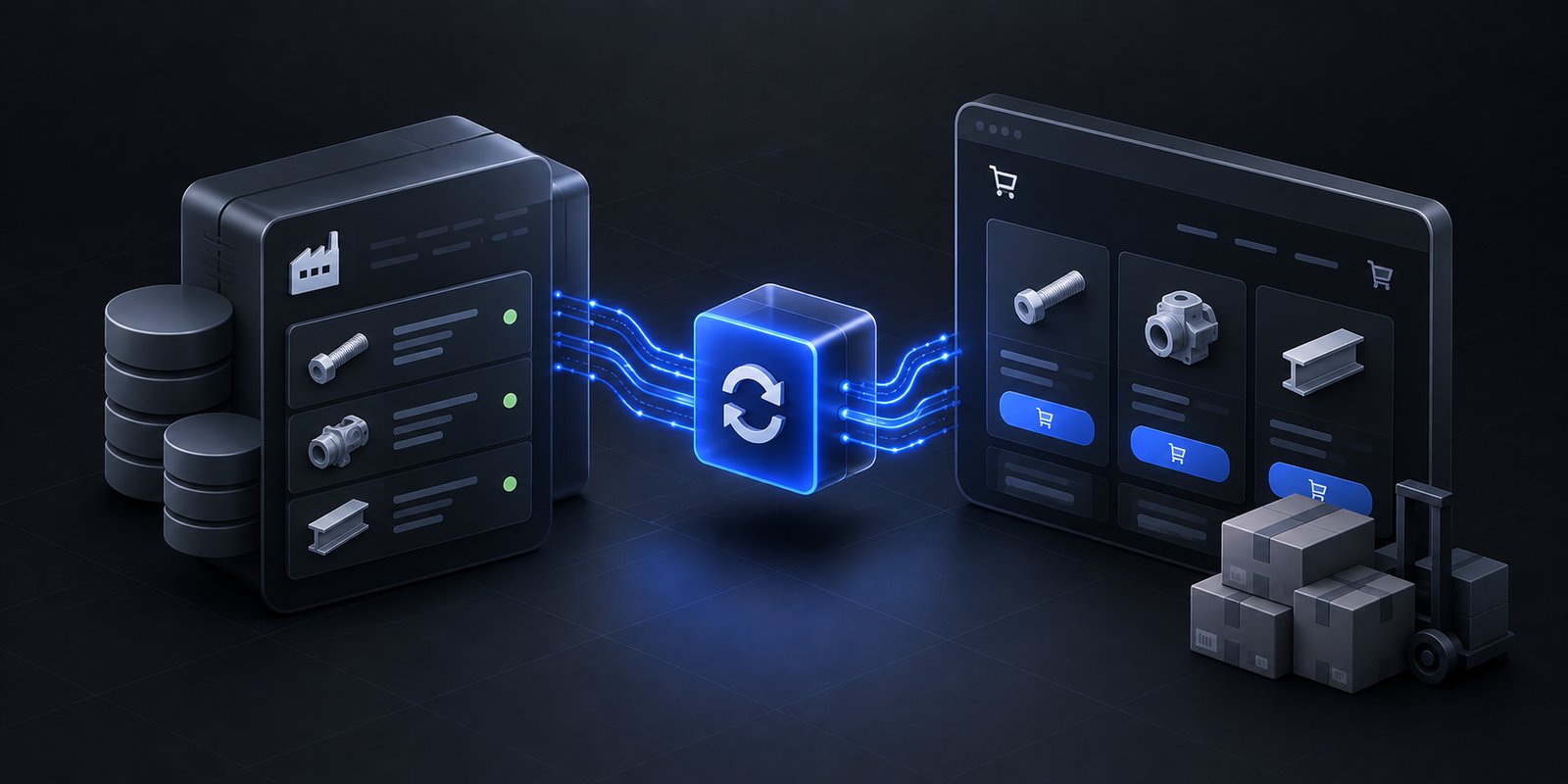
A standard business object in Kinetic returns data shaped the way Epicor designed it. A BAQ returns data shaped the way your business needs it. Epicor's own documentation says BAQs refine the data made available through its REST API, creating structured views that external applications can query without direct database access, and that they can be exposed through automatically generated REST endpoints via Epicor User Defined Services.
For a storefront, that is the difference between asking Kinetic "how many are on the shelf?" and asking "how many can I actually sell to this buyer, from this warehouse, right now?" The first question has a stock answer. The second only has the answer your business defines, and a BAQ is where that definition lives. On Uncap's Kinetic builds, availability comes from a BAQ that reflects allocations, jobs, and commitments, and custom server-side logic belongs in BAQs and Epicor Functions rather than in middleware, because logic that lives inside Kinetic survives upgrades and logic written somewhere else does not.
Why the inventory number depends on it
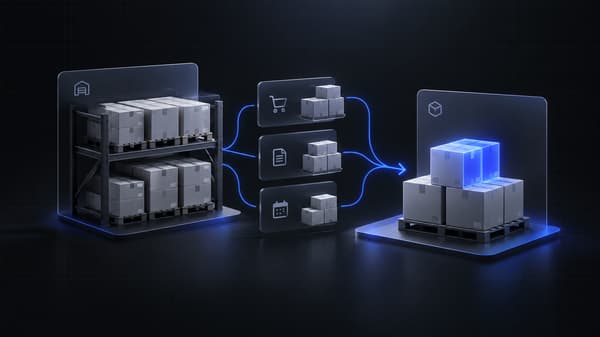
In a manufacturing ERP, quantity on hand is frequently not quantity available. Units can be committed to an open job, allocated to a work order, or sitting as finished goods already spoken for. Push the raw on-hand figure to a storefront and it will sell units production has claimed, and the first person to find out is usually a supervisor on the floor.
The availability BAQ is where that gap closes. Its joins decide which demand is subtracted: open sales orders, job material requirements, allocations, transfers. Its filters decide which stock counts at all: which warehouses feed the storefront, and whether quantities held for inspection or other non-sellable reasons are excluded. Its parameters decide the scope of each answer, such as one part at one site.
Every one of those choices is a business decision about what the company is willing to promise, encoded as a query. Two companies with identical inventory and different BAQs will show buyers different numbers, and both will be doing exactly what they were told.
For parts that are made to order rather than stocked, the right BAQ often returns something other than a count. A buyer looking at a component built on demand is better served by a promise date than by a zero, and the data needed to calculate that date, open jobs and their scheduled completion, is exactly what Kinetic holds and a BAQ can surface.
Designing an availability BAQ that holds up
Four practices separate a BAQ a storefront can trust from one that quietly drifts.
Write the policy before the query. Agree in plain language what "available" means: which warehouses, which demand types subtracted, whether safety stock is held back, and what happens at zero. Then build the BAQ to match the document, so a future change to the query is a change to a written policy, not an undocumented edit.
Test with awkward parts, not easy ones. A fast mover, a part with open job allocations, a multi-warehouse part, and a made-to-order part will each exercise a different path through the query. Walk each through an order, a job allocation, and a count adjustment, and confirm the BAQ's answer matches what the floor would say. This golden-part discipline is the same one the Shopify ERP sync design spec recommends for any integration's cutover.
Watch performance, because it is now customer-facing. A BAQ that takes a few seconds in a dashboard is tolerable; the same BAQ called for every product page and every checkout is not. Keep calculated fields purposeful, use parameters so each call answers a narrow question, and use Epicor's query activity monitoring to see how the BAQ behaves under real load.
Recheck at checkout. The number shown at browse is minutes old by the time the buyer submits. Revalidating against the same BAQ at checkout catches the job that allocated two of the three units in between, and lets the storefront tell the buyer immediately, with a date where one exists, rather than letting the shortage surface at picking.
BAQs are a Kinetic tool, not a universal Epicor one
Epicor sells several ERPs, and they do not share an integration surface. BAQs belong to the Kinetic world. P21 exposes data differently, through the P21 Middleware, which carries Data Services on OData version 4, Transaction API Services for writes that respect P21's business logic, and Entity REST Services, with each customer's API reference hosted at their own middleware address rather than published publicly. A distributor on Prophet 21 still needs a precise availability definition, typically per branch, but it gets built on that surface rather than on a BAQ.
That difference is why "we integrate with Epicor" is an incomplete answer from any partner. The right follow-up is which Epicor product, which surface, and where the availability logic will live, and the Epicor to Shopify integration overview walks through how the answer changes between Kinetic and P21.
The same principle carries across both: Epicor calculates, and the storefront displays what Epicor calculated. That is how Uncap Connect is built, keeping pricing, inventory, customers, and orders current in both directions without re-creating ERP logic in a second place. Uncap has been a Shopify Platinum Partner since 2013, with 380+ storefronts launched on Shopify, including for manufacturers, distributors, and wholesalers. Book a Demo and bring the BAQ your team uses for stock status today. Walking through what it counts and what it leaves out is usually the fastest way to see what your storefront would promise.
Frequently asked questions
What is a BAQ in Epicor?
A BAQ, or Business Activity Query, is Epicor Kinetic's no-code tool for building custom data queries. Users select tables, link them, filter rows, and add calculated fields in a visual designer, then use the result in dashboards, reports, searches, or integrations. Epicor also provides a library of more than 800 predefined BAQs.
Can a BAQ be used as an API?
Yes. Epicor documents that BAQs refine the data exposed through its REST API, creating structured views external applications can query without direct database access, and that BAQs can be exposed through automatically generated REST endpoints via Epicor User Defined Services. This is how integrations retrieve business-shaped data, such as available-to-sell quantity, rather than raw table values.
Why does my Epicor storefront oversell?
Usually because the integration reads quantity on hand instead of quantity available, and no Epicor BAQ is doing the subtraction. In Kinetic, on-hand stock can be committed to jobs, allocated to work orders, or already promised as finished goods. An availability BAQ that subtracts those commitments, scoped to the right warehouses and rechecked at checkout, closes the gap.
What is the difference between a BAQ and an Epicor Function?
A BAQ retrieves and shapes data: which records, which fields, which calculations. An Epicor Function holds custom server-side business logic that runs inside Kinetic. They work together, with BAQs acting as structured data sources that Functions can call, and both keep custom logic inside Kinetic, where it survives upgrades, rather than in external middleware.
Does Epicor Prophet 21 use BAQs?
BAQs are a Kinetic tool. Prophet 21 exposes data through the P21 Middleware, which provides Data Services on OData v4, Transaction API Services, and Entity REST Services. A P21 storefront integration defines availability on that surface, usually per branch, instead of in a BAQ.