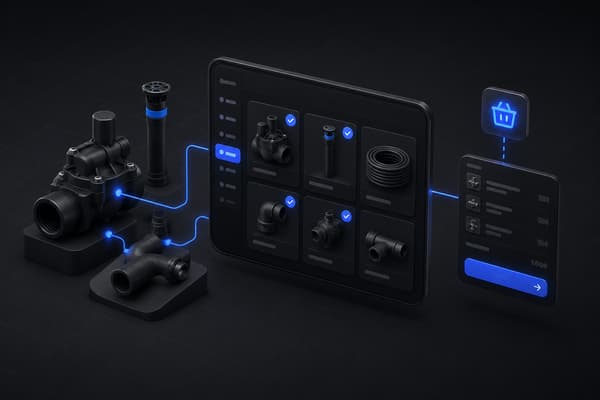
A buyer ordering a hydraulic assembly needs six components, not one SKU. If your Shopify store can't show them what belongs in that assembly, or worse, lets them order it with a part missing, the order either stalls at a support ticket or ships wrong. That's what a bill of materials is supposed to prevent, and it's the part of BOM management almost nothing published online actually addresses.
Search "bill of materials Shopify" and nearly everything that ranks is written for D2C makers tracking raw-material costs on handmade goods. That's a real use case, but it's a different problem than the one a B2B manufacturer or distributor has: making sure a buyer can correctly select, price, and order a multi-part assembly on their own, without a phone call to confirm what goes with what.
What Is a Bill of Materials in a Shopify Context?
A bill of materials (BOM) is a structured list of every component, sub-assembly, and quantity required to build a finished product. Shopify's own guide to manufacturing inventory management describes it as the detailed list that establishes exactly what needs to be purchased or assembled for production, which is the standard, accurate definition of the term.
On a storefront, BOM shows up in two different ways that are easy to conflate. A single-level BOM lists the direct components of one finished product, a simple kit or bundle. A multi-level BOM nests components inside sub-assemblies, which themselves have their own component lists, closer to how an actual piece of industrial or manufacturing equipment is structured. Most Shopify BOM content, and most Shopify BOM apps, are built for the first case. B2B sellers with configurable or technical products usually need the second.
Why BOM Matters Differently for B2B and Industrial Sellers
For a D2C brand, BOM is mostly an internal costing exercise, know what a product costs to make so margin stays accurate as raw-material prices shift. The buyer never sees the BOM at all, they just see a finished product.
For a B2B manufacturer or distributor selling configurable equipment, parts kits, or technical assemblies, the BOM often needs to be buyer-facing. The buyer is the one deciding which components they need, confirming compatibility, and building an order that has to be complete and correct before it ships. Get that wrong, and the cost isn't just a support ticket, it's a return, a delay, or equipment that doesn't work when it arrives.
That's a fundamentally different design problem than tracking raw-material cost internally, and it's the gap in almost everything currently published about BOM on Shopify.
How a Buyer-Facing BOM Should Work on a Shopify B2B Storefront
Start from the schematic, not a flat product list. A buyer trying to identify the right components for an assembly thinks in terms of the physical product, not a SKU list. Uncap Diagrams lets a buyer click directly on a part in a schematic and add it to their order, so the BOM is discovered visually, the way the buyer already understands the equipment, instead of requiring them to already know every part number in advance.
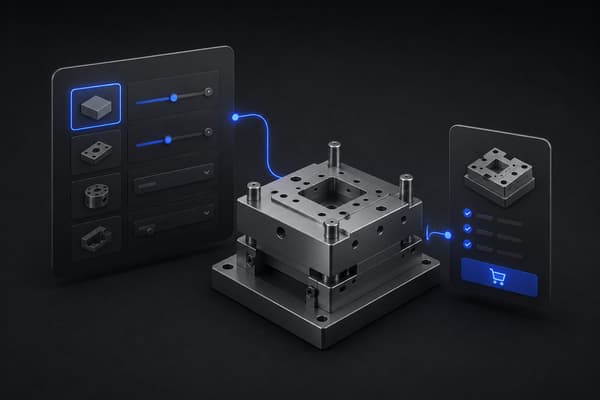
Let the buyer configure the assembly, with the BOM enforcing what's valid. For products where the exact combination of components varies by buyer, Uncap Builder lets them build the configuration they need while the underlying BOM logic blocks incompatible combinations before they reach the cart. The buyer gets a correct order without needing to understand the engineering behind it.
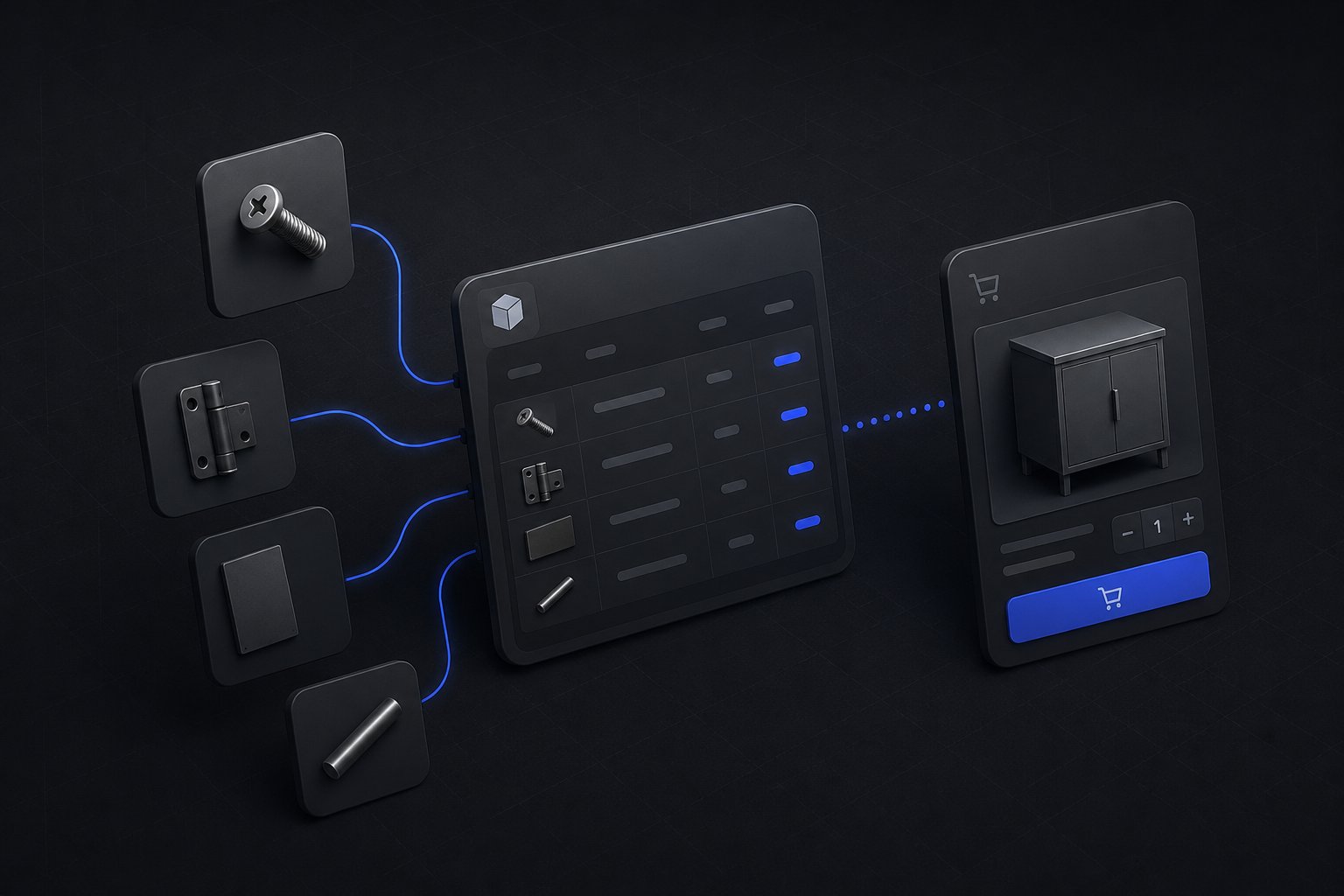
Keep component stock and specs synced to the system that owns them. A BOM is only trustworthy if the component data behind it, availability, current specs, substitutions, matches what's actually true in your ERP. Uncap Connect keeps that data synced between Shopify and your ERP, so a component shown as available in a configured assembly is actually available to ship.
Price the full assembly correctly, automatically. A multi-part assembly with negotiated account pricing on individual components needs its total to reflect that pricing accurately, not a rough estimate. Getting this wrong either underprices an order or sends a buyer a surprise total that erodes trust in the storefront.
A Concrete Example: A Multi-Level BOM in Practice
Picture a manufacturer selling a conveyor system. The finished assembly has a motor sub-assembly, a frame sub-assembly, and a control panel sub-assembly. Each of those has its own components: the motor sub-assembly alone might include a specific motor, a mounting bracket, and a set of bearings, each with its own part number, its own available stock, and in some cases its own set of compatible substitutes.
A buyer configuring this system on a storefront doesn't think in three nested levels of components. They think "I need a conveyor system rated for this load, at this length." The BOM has to translate that buyer intent into the correct nested structure behind the scenes: which frame length pulls which bracket sizes, which motor options are actually compatible with which frame, and what the resulting total looks like once every sub-assembly's components are priced at that buyer's account rate.
That translation, from a buyer's plain-language intent down to a validated, priced, multi-level component list, is the actual product design problem BOM tooling on a B2B storefront needs to solve. A flat product page with a dropdown for "size" doesn't capture it. A spreadsheet BOM used only by the ops team doesn't expose it to the buyer at all. It has to live in the configuration and catalog layer the buyer actually interacts with.
Auditing BOM Accuracy Before It Costs You an Order
A BOM that was correct at launch drifts over time as components get discontinued, substituted, or repriced. A few practical checks worth running on a regular cadence, not just when something breaks:
Spot-check configured totals against manual pricing. Periodically build a few common configurations through the storefront and confirm the resulting price matches what your ERP or pricing team would calculate manually. Drift here is usually the first sign a component price update didn't propagate correctly.
Confirm discontinued components are actually blocked. When a component gets discontinued or replaced, verify a buyer configuring an assembly that used to include it either sees the substitute automatically or is blocked from selecting the old option, not left able to order something that can no longer be fulfilled.
Review orders that ended up in a support ticket. A BOM-related support ticket, a wrong component, an incompatible combination that got through, a missing part, is a direct signal of where the buyer-facing BOM logic has a gap. Treat each one as a data point, not just a one-off fix.
Where Native Shopify Falls Short on BOM
Shopify doesn't have native, built-in support for multi-level bills of materials or assembled inventory that automatically deducts component stock when a finished assembly sells. That's a real limitation, and it's why the existing BOM content ecosystem is dominated by inventory apps built to patch it for simple kits and bundles.
For a single-level BOM, a kitting or bundling app is often enough. For a true multi-level BOM tied to buyer-facing configuration, schematic-based selection, and ERP-synced component data, that gap needs to be closed with the storefront's product and configuration logic itself, not a general-purpose inventory app built for a different use case.
Common BOM Mistakes on B2B Storefronts
Treating a BOM as a backend record only. If the buyer can't see or interact with the component structure of what they're ordering, they're left guessing, which pushes the order back to a phone call or an email.
Letting component data drift from the ERP. A BOM that shows a component as available when the ERP says otherwise creates exactly the kind of order that gets promised and then can't be fulfilled on time.
Building for single-level kits when the product actually needs multi-level structure. A kitting app configured for simple bundles breaks down fast against a real multi-part industrial assembly with sub-components of its own, and re-platforming that structure later costs far more than scoping it correctly the first time.
Where to Start
A bill of materials that only exists in a spreadsheet doesn't help the buyer trying to order correctly. The B2B sellers who get the most value from BOM are the ones who put it in front of the buyer, tied to real component data, not just behind the scenes for internal costing.
Uncap has been a Shopify Platinum Partner since 2013, building schematic-based ordering and configurable product experiences for manufacturers and distributors selling complex, multi-part products. See how that work comes together in Uncap's case studies.
Talk to our experts about whether your product structure needs a buyer-facing BOM, and what that looks like on Shopify.
Frequently asked questions
Does Shopify support bills of materials natively?
Not for multi-level BOMs or assembled inventory that automatically deducts component stock. Native Shopify handles simple products and variants well, but a true BOM, especially a buyer-facing, multi-level one, requires additional configuration or app support layered on top.
What's the difference between a BOM and a product bundle?
A bundle is typically a fixed set of products sold together at a single price. A BOM is the underlying structure of what components make up a product or assembly, which can support a fixed bundle, a buyer-configured assembly, or an internal manufacturing record, depending on how it's used.
Do all B2B sellers need a buyer-facing BOM?
No. Sellers with simple, fixed-component products are usually fine with standard products or bundles. A buyer-facing BOM matters most for sellers with configurable, multi-part, or technical assemblies where the buyer needs to select or confirm components themselves.